
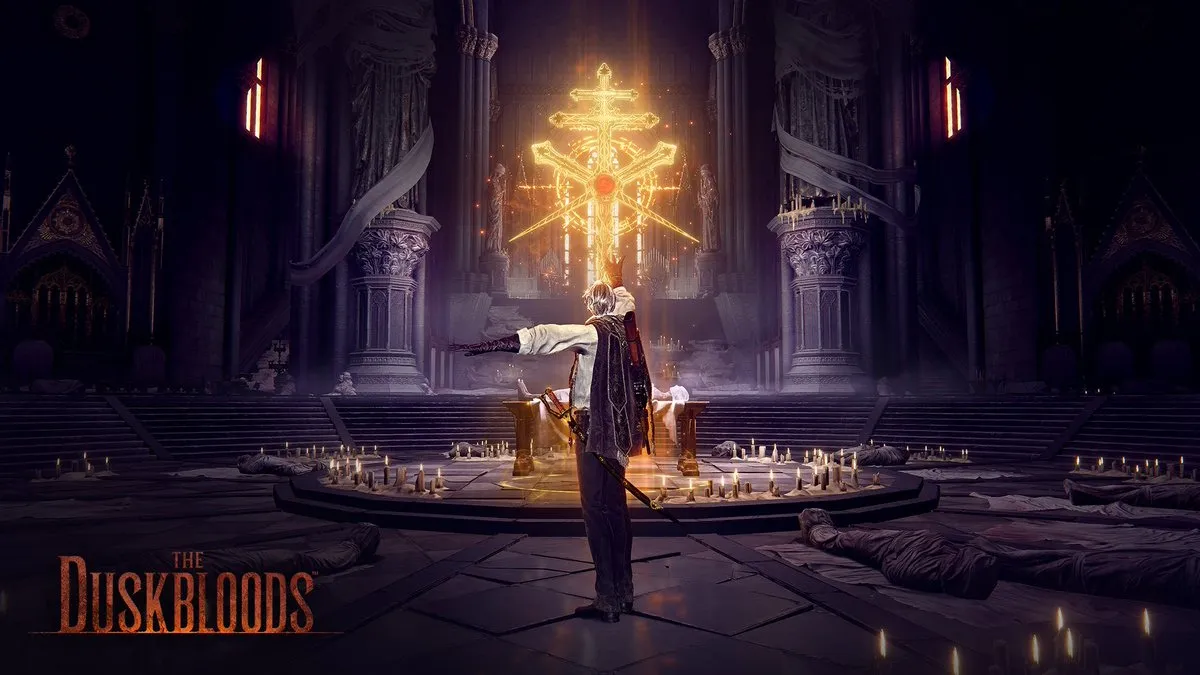
The Duskbloods closed network test is finally accepting entries, but several Switch users are hitting bugs while registering.
Match the Region in Every Step
After selecting your country and language, verify that the region you chose matches the one listed in your Nintendo account. A mismatch triggers a linking error that halts the application. Open your account settings, copy the exact region, and paste it into the test form before proceeding.
Tick the Region‑Sharing Box
Once you click Link Your Nintendo Account, a redirect to Nintendo’s site appears. Before agreeing, locate the See details / Edit dropdown in the middle of the screen and tick the box that lets the platform share your region information with FromSoftware. On mobile, scroll to the bottom of that page to find the same optional checkbox. Leaving it unchecked causes the sign‑up to fail.
Finish the Agreement, Submit, and Verify
With the region match confirmed and the sharing checkbox ticked, hit I Agree to finish linking. Return to the Duskbloods page, confirm that your application status reads “Submitted,” and check the official schedule for test dates. Following these steps removes the current registration roadblocks and ensures your spot in next month’s closed network test.
 "
"