
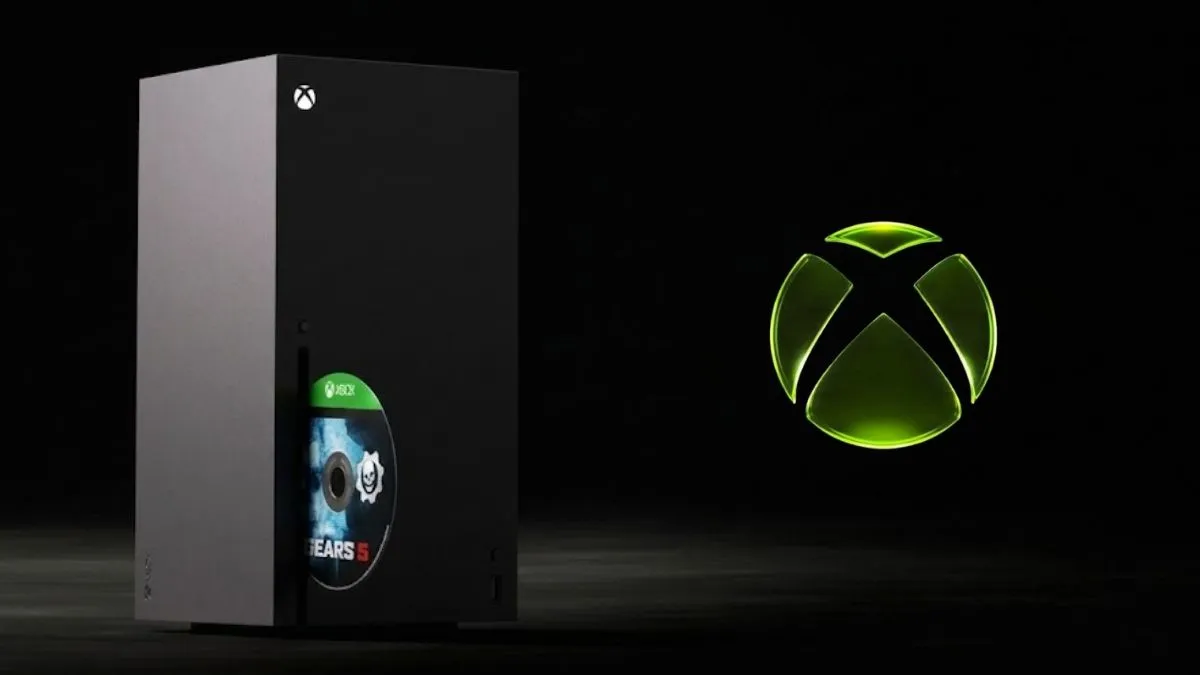
Xbox has revealed a new disc‑to‑digital feature that instantly converts supported physical game discs into full digital entitlements, allowing players to run titles without a disc.
How the Xbox Disc‑to‑Digital Conversion Works
Once a user inserts an eligible disc into an Xbox One or Series X console, the game installs normally. After installation, selecting the game and pressing the Xbox button opens a menu where the player can choose Claim Digital License. If the title supports the feature, the claim succeeds and the game is added to the console’s library as a digital copy.
The original physical disc remains functional and can be used like any other disc. The conversion does not permanently erase or invalidate the disc, but the digital entitlement attached to that disc cannot be reclaimed by the same copy if it is later sold. A purchased disc can still be sold, yet the buyer will not receive a second digital license.
For games that are also part of the Xbox Play Anywhere program, the digital licence extends to the PC version, granting cross‑platform access.
Eligibility, Limitations, and Game Availability
Not every disc qualifies. Only certain Xbox One and Series X titles are eligible for conversion. Error messages will appear for un‑supported discs, indicating that the conversion request failed. Players should consult the official Xbox list of eligible games before attempting a claim.
Storing the physical disc after claiming is recommended for archival or resale purposes, but the user must remember that future owners cannot duplicate the digital entitlement.
Availability and Insider Program Conditions
The feature was announced during the Xbox Gamescom 2026 broadcast and is currently live for Xbox Insiders in the Alpha and Alpha Skip‑ahead rings, effective from 31 August 2026. Public activation has not yet been announced, but Microsoft states that thousands of titles are already available within the Insider program and that the library will grow over time.
Step‑by‑Step Guide to Claim Your Game Digitally
- Ensure you have signed up for the Xbox Insiders program and joined the Alpha.
- Update your console to the latest preview build that supports the disc‑to‑digital feature.
- Insert the eligible disc into a disc‑capable Xbox One or Series X console.
- Allow the game to install, then open the top‑level menu for the game using the Menu button.
- Select Claim Digital License and confirm by choosing Claim in the subsequent prompt.
- Once the claim completes, the disc can be removed; the game now launches from the digital library.
What Happens if a Disc Is Not Eligible?
A conversion attempt on an unsupported disc triggers an error screen that informs the user that the disc cannot be converted. Players should verify eligibility before making the installation.
Looking Ahead
As the Insider rollout continues, the catalog of convertible titles will likely expand. Gamers on Xbox One and Series X who already own a collection of physical discs may find the feature a convenient way to maintain digital libraries while keeping their discs safe for future uses.
 "
"