
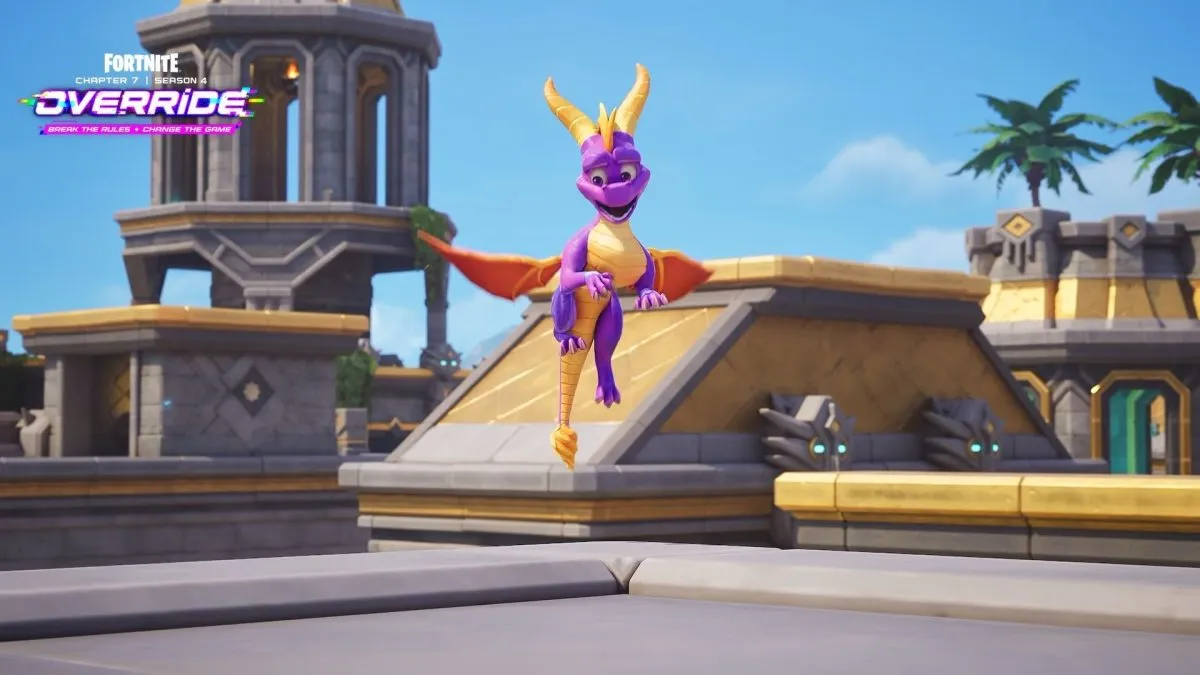
Fortnite’s Item Shop reset on August 28, 2026, at 8 PM ET introduced the new sidekick, the Spyro the Dragon, as part of the Gaming Legends crossover.
How to Acquire the Spyro the Dragon Sidekick
To secure Spyro, launch Fortnite and open the Item Shop. The top section displays “Crash Bandicoot” alongside a dedicated Spyro offering. Selecting the Spyro the Dragon Sidekick or the bundled Crash Bandicoot & Spyro set delivers the dragon for either 1,500 V‑Bucks or 3,000 V‑Bucks, respectively.
Pricing and Bundle Advantages
- Spyro the Dragon Sidekick: 1,500 V‑Bucks (single).
- Crash Bandicoot & Spyro the Dragon Bundle: 3,000 V‑Bucks (discounted price for the pair).
Because it is part of a cosmetic bundle, purchasing the full set yields a lower effective cost per item, akin to the Ace the Bat Hound promotion.
Step‑by‑Step Purchase Flow
Navigate to the Crash Bandicoot section, tap the desired offer, and press the Purchase button. Hold the button until the circular progress bar completes. Fortnite will confirm the addition of Spyro to your Locker. From there, select the dragon, customize its appearance, and activate it for Battle Royale gameplay.
Additional Perks and Sidekick Points
Acquiring the sidekick grants you Sidekick Points, unlocking cosmetic enhancements such as the “Spyro’s Heart” banner icon, “Scales (Green)” reactive effects, “Fiery Flourish” style, and the “Emote” emote. These bonuses are redeemable through the sidekick point system after the purchase.
Availability Window
The Spyro the Dragon Sidekick will remain in the Item Shop until September 11, 2026, at 8 PM ET, after which it will be removed from rotation.
Image Credit: Epic Games
 "
"