
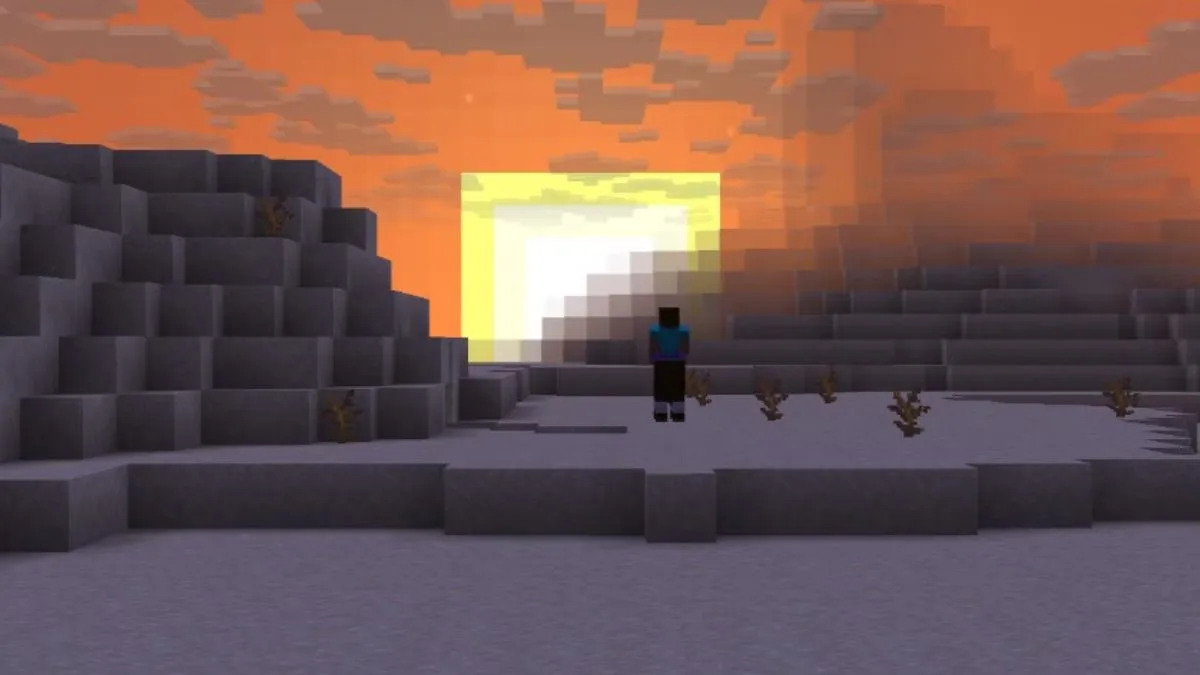
Minecraft’s 26.4 Snapshot 2 rolls out a sweeping overhaul of the F3 debug display and key visual tweaks.
Reimagined Debug Overlay
At the top‑left, the refreshed F3 overlay starts with a real‑time FPS counter alongside the refresh rate, immediately followed by XYZ coordinates. Progressing down, a server section presents packet stats, while a help block lists in‑game debug toggles.
The top‑right now shows the current snapshot build, a memory usage gauge, a detailed performance chart, and final system specs—including Vulkan activation status. Together, these changes render the debug screen less cluttered and easier to scan.
Enhanced Rendering and Sky Occlusion
When the Improved Transparency option is enabled, sky textures and cloud layers behind terrain blend seamlessly, creating a smoother horizon. In the Overworld, the lower half of the skybox now occludes celestial bodies such as the Sun and Moon, preventing them from appearing once obscured by terrain.
Mojang has added a dedicated shader that manages this new sky occlusion; it starts masking the sky box at a set angle, using the fog color to transition cleanly at the border.
Update Your F3 Guide
With the nova design, it is time to revise the guide that explains the F3 screen. The streamlined layout, combined with improved visual effects, keeps players better informed during gameplay.
 "
"