
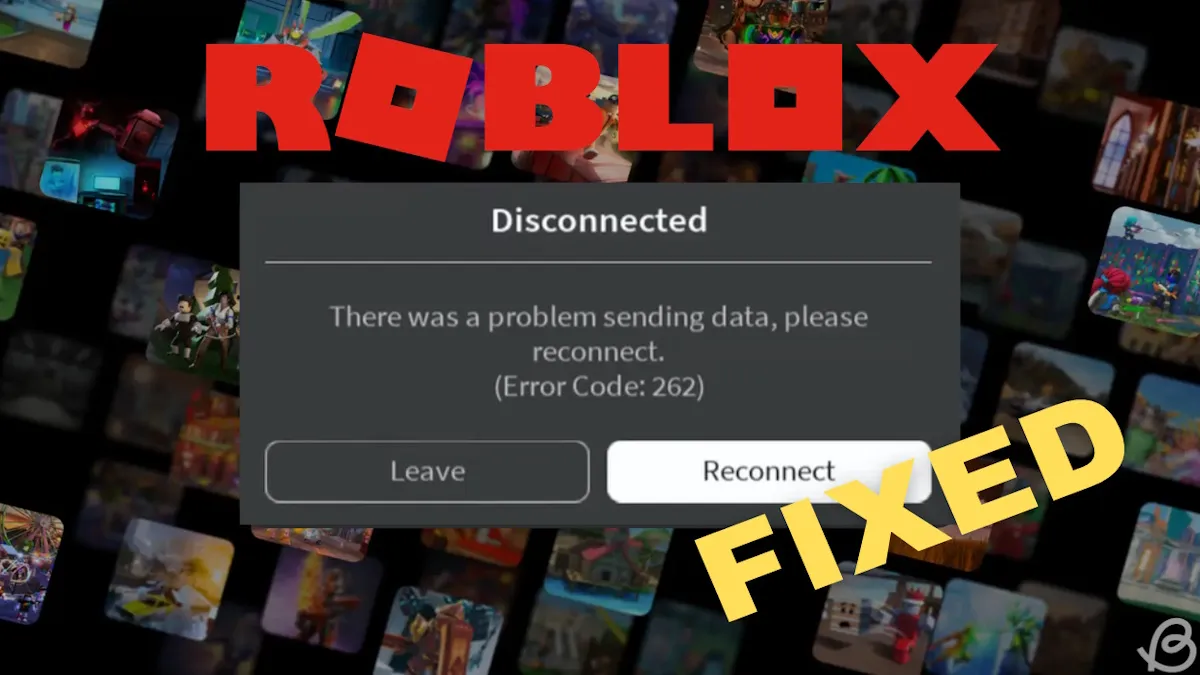
Roblox error code 262 surfaces with the message, “There was a problem sending data, please reconnect,” and signals a broken link between your device and Roblox’s servers.
Typical Causes of Code 262
The error usually points to one of three categories: a flaky network, server outages, or local client issues. Device-firewall conflicts, corrupted temporary files, or intrusive browser extensions can also trigger the message.
How to Resolve the Issue Fast
- Reconnect Button: Click the button that appears with the error. A quick reset often fixes the glitch.
- Internet Connection: Verify your PC is online. Restart the router, switch to Ethernet if on Wi‑Fi, and confirm bandwidth stability.
- Server Status: Visit Roblox’s official status page before troubleshooting locally; an outage needs no immediate action.
- Client Restart: Exit Roblox entirely, relaunch it, or reboot your computer. Signing out and back in can clear session glitches.
- Caching Issues:
- Open Run with Windows + R.
- Enter
%localappdata%and press Enter. - Delete the
Temp\Robloxfolder. - Restart Roblox and retry.
- Browser Extensions: Disable any Roblox‑related add‑ons or tilting mods; revert to the standard client.
- Firewall & Security Software: Ensure Roblox is whitelisted in Windows Defender or any third‑party firewall. Newly installed security tools may block necessary ports.
- Background Network Usage: Pause large downloads, streaming services, or other bandwidth‑heavy apps before re‑entering Roblox.
- Reinstallation: As a last resort, uninstall Roblox, remove residual files, then install the latest official copy.
When Self‑Help Isn’t Enough
If the code persists after all these corrective steps, contact Roblox Support. Supply your username, device model, operating system, the exact error message, and a brief log of the actions that triggered the problem. A support ticket is the only path to a client or server‑specific fix.
Bottom Line
Error code 262 is essentially a connection blocker. By systematically verifying the network, clearing local artefacts, and ensuring no external software interferes, most players eliminate the problem and return to smooth gameplay. If the servers are down, though, the wait is unavoidable until Roblox restores service.
 "
"