
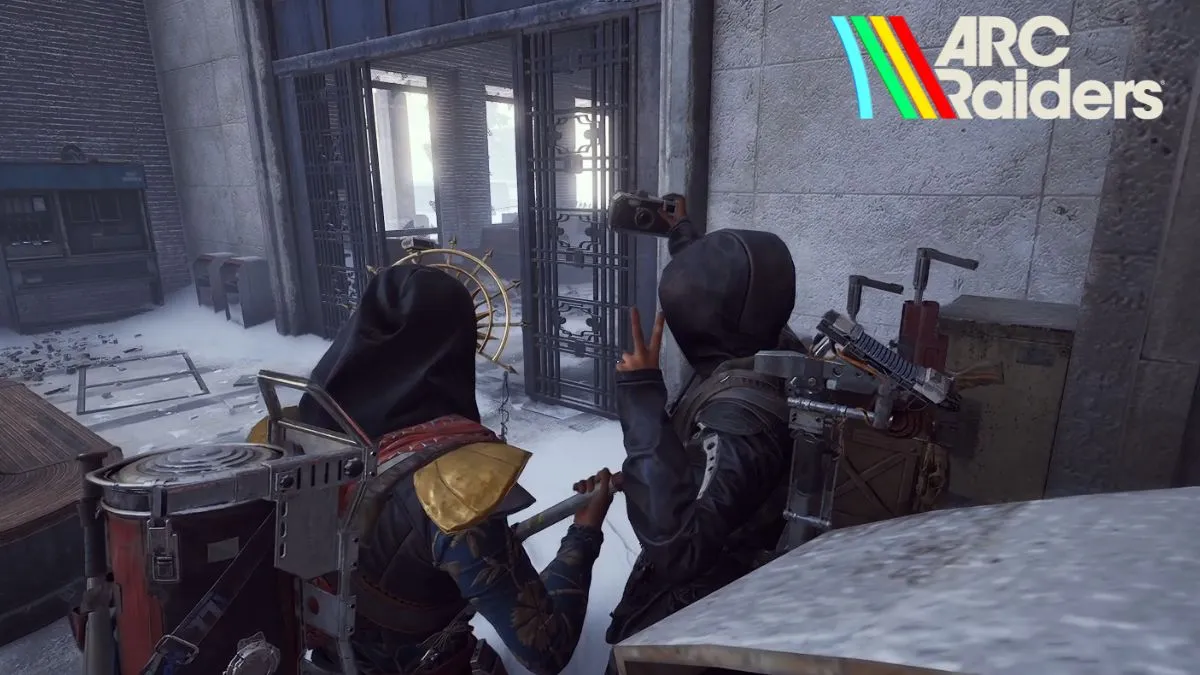
Embark Studios’ Frozen Trail update finally brings the long‑awaited Camera gadget to Arc Raiders, unlocking in‑game photo mode that lets players capture moments on the fly.
Acquiring the Camera
The Camera gadget is available in two variants: Basic and Advanced. Players can procure it through several routes:
- Loot containers, cupboards and other standard loot spots.
- Purchase from Shani – Security (Basic for 1.9K coins, Advanced for 3K coins).
- Accept Celeste’s “Sizing Things Up” quest for free.
- Steal it from an opposing raider who holds one.
Using the Camera for Photo Mode
Equip the gadget by placing it in the Quick Use slot. Hold Q to open the weapon wheel and select either camera. Right‑click to arm the camera; a marquee appears indicating Photo Mode. Left‑click captures a frame, while pressing R enters Selfie mode for instant character selfies.
Advanced Camera Features
The Advanced variant offers additional controls such as aperture, autofocus, and zoom, giving players finer artistic control. Both Basic and Advanced gadgets support the same core functionality, but only Advanced reveals these extra settings.
With the Camera now a staple of every raider’s gear, players can document their exploits while remaining alert to lurking threats.
 "
"