
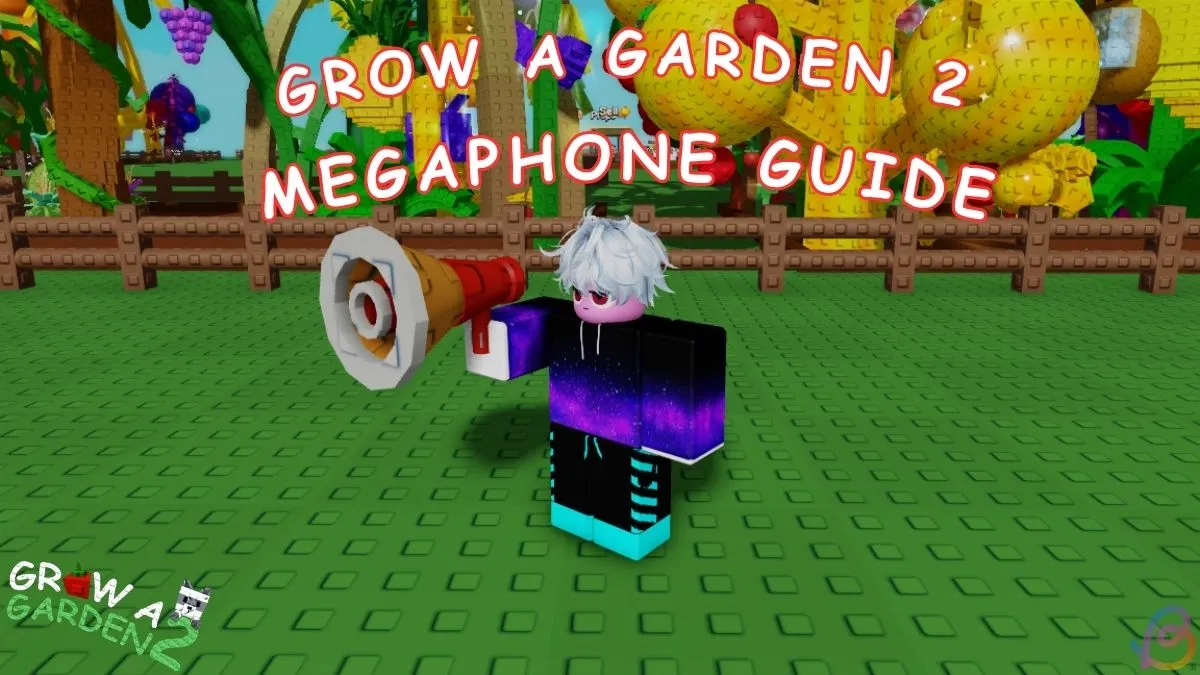
The Megaphone, a fresh gear in Grow a Garden 2, enables players to blast custom Roblox music throughout their garden.
How to Acquire the Megaphone
To purchase, teleport to the main lobby by clicking the seed or sell button.
Near the Gears counter, chat with George and scroll to the Megaphone item.
Spend 8,000 Sheckles; the gear then remains in your inventory permanently.
Equipping and Configuring the Megaphone
Equip the Megaphone via the hotbar or the Gear Shop’s equip button.
Open the gear menu on screen and access your Megaphone settings.
Enter any Roblox music code in the song ID field, confirm with Enter, and adjust volume from the same menu or the main menu.
Recommended Music Codes
- 5410086218: Noisestorm – Crab Rave
- 142376088: Raining Tacos
- 1837015626: Tokyo Drift
- 1626996526: Windows XP Theme
- 168208965: Whatcha Say
- 1846368080: Stadium Rave (SpongeBob SquarePants)
- 515669032: Spooky Scary Skeletons
- 7363412529: You’ve Been Rick Rolled
- 9106904975: Better Call Saul Theme
- 9119119619: Elevator Music
With the Megaphone, any Grow a Garden 2 player can command the soundtrack of their surroundings, making the game more vibrant.
Grow a Garden 2 Megaphone Tutorial: Master Roblox Sound ID Usage
 "
"