
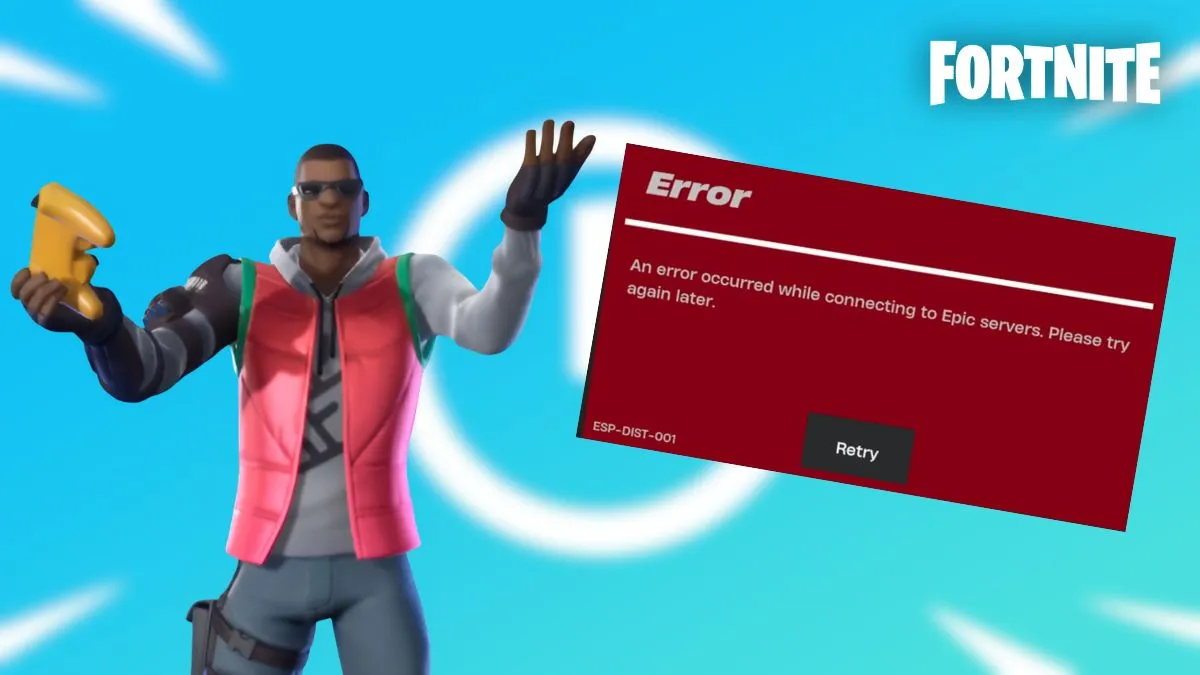
Fortnite players spot a fault every time the title refuses to connect, labelled Esp‑Dist‑001.
What the Esp‑Dist‑001 alarm signals
When the game starts, the console attempts to verify your login, pull your inventory and lock in your Battle Pass status. If the temporary storage on your device becomes corrupted, or if the handshake with Epic Games’ servers is disrupted, the launch aborts with the Esp‑Dist‑001 message.
The code points solely to a communication breakdown; it is not tied to a ban or account restriction.
Quick resolution steps
Restarting the console and clearing its cache often restores proper communication without re‑downloading Fortnite.
- Switch users:
- Open System Settings.
- Navigate to System → Formatting Options.
- Select Reset Cache, confirm the user profile, and tap Reset.
- Hold the Power button for three seconds, choose Power Options, and hit Restart.
- PlayStation & Xbox:
- Shut the console completely; avoid Rest/Sleep mode.
- Unplug the power supply and wait ~60 seconds for the capacitors to discharge.
- Reconnect power, boot up, and launch Fortnite.
- Power‑cycle your network:
- Turn off and unplug both modem and router.
- Leave them off for 30 seconds.
- Plug them back in, wait for the indicator lights to stabilise, then start the console.
Should the problem persist, verify that Epic’s infrastructure is online by checking the Epic Games Server Status page. If the servers are reported as degraded or down, the issue likely lies in Epic’s end; waiting for an official patch is the only remedy.
The big picture: when to stop troubleshooting
Esp‑Dist‑001 emerges when no local file corruption or network glitch can explain it. Trust the server status first: a global outage will stop all players, regardless of individual fixes.
When the servers are healthy and the cache remains stubbornly error‑prone, consider contacting Epic support with your console’s log files for deeper diagnostics.
 "
"